
# cesium-定位方法
# 视图定位-定位到点
<!DOCTYPE html>
<html lang="en">
<head>
    <!-- Use correct character set. -->
    <meta charset="utf-8"/>
    <!-- Tell IE to use the latest, best version. -->
    <meta http-equiv="X-UA-Compatible" content="IE=edge"/>
    <!-- Make the application on mobile take up the full browser screen and disable user scaling. -->
    <meta name="viewport"
          content="width=device-width, initial-scale=1, maximum-scale=1, minimum-scale=1, user-scalable=no"/>
    <title>cesium定位方法</title>
    <script src="../lib/Cesium-1.89/Build/Cesium/Cesium.js"></script>
    <style>
        @import url(../lib/Cesium-1.89/Build/Cesium/Widgets/widgets.css);

        html,
        body {
            width: 100%;
            height: 100%;
            margin: 0;
            padding: 0;
            overflow: hidden;
        }

        #cesiumContainer {
            width: 100%;
            height: 100%;
            margin: 0;
            padding: 0;
            overflow: hidden;
        }
    </style>
</head>
<body>
<div style="display: -webkit-flex;display: flex;width: 100%;height: 100%">
    <div style="width: 90%;height: 100%">
        <div id="cesiumContainer"></div>
    </div>
    <div style="width: 10%;height: 100%;background-color: #d3d3d3;padding: 30px">
        <button onclick="viewerFlyToLonLat(110.0, 35.8, 500)">视图定位-定位到点</button>
    </div>
</div>
<script>
    //天地图token
    let TDT_tk = "token";
    //Cesium token
    let cesium_tk = "cesium token";
    //天地图影像
    let TDT_IMG_C = "http://{s}.tianditu.gov.cn/img_c/wmts?service=wmts&request=GetTile&version=1.0.0" +
        "&LAYER=img&tileMatrixSet=c&TileMatrix={TileMatrix}&TileRow={TileRow}&TileCol={TileCol}" +
        "&style=default&format=tiles&tk=" + TDT_tk;

    //标注
    let TDT_CIA_C = "http://{s}.tianditu.gov.cn/cia_c/wmts?service=wmts&request=GetTile&version=1.0.0" +
        "&LAYER=cia&tileMatrixSet=c&TileMatrix={TileMatrix}&TileRow={TileRow}&TileCol={TileCol}" +
        "&style=default&format=tiles&tk=" + TDT_tk;


    //初始页面加载
    Cesium.Ion.defaultAccessToken = cesium_tk;
    let viewer = new Cesium.Viewer('cesiumContainer', {
        geocoder: false,   // 位置查找工具
        baseLayerPicker: false,// 图层选择器(地形影像服务)
        timeline: false, // 底部时间线
        homeButton: false,// 视角返回初始位置
        fullscreenButton: false, // 全屏
        animation: false,   // 左下角仪表盘(动画器件)
        sceneModePicker: false,// 选择视角的模式(球体、平铺、斜视平铺)
        navigationHelpButton: false, //导航帮助按钮
        // infoBox: false,//信息框控件
        // navigationInstructionsInitiallyVisible: false, //导航说明初始可见
        // shouldAnimate: false, //动画
        // requestWaterMask: false, //请求水面罩
        // requestVertexNormals: false, //请求顶点法线
        imageryProvider: new Cesium.WebMapTileServiceImageryProvider({
            url: TDT_IMG_C,
            layer: "tdtImg_c",
            style: "default",
            format: "tiles",
            tileMatrixSetID: "c",
            subdomains: ["t0", "t1", "t2", "t3", "t4", "t5", "t6", "t7"],
            tilingScheme: new Cesium.GeographicTilingScheme(),
            tileMatrixLabels: ["1", "2", "3", "4", "5", "6", "7", "8", "9", "10", "11", "12", "13", "14", "15", "16", "17", "18", "19"],
            maximumLevel: 50,
            show: false
        })
    });

    //调用影响中文注记服务
    viewer.imageryLayers.addImageryProvider(new Cesium.WebMapTileServiceImageryProvider({
        url: TDT_CIA_C,
        layer: "tdtImg_c",
        style: "default",
        format: "tiles",
        tileMatrixSetID: "c",
        subdomains: ["t0", "t1", "t2", "t3", "t4", "t5", "t6", "t7"],
        tilingScheme: new Cesium.GeographicTilingScheme(),
        tileMatrixLabels: ["1", "2", "3", "4", "5", "6", "7", "8", "9", "10", "11", "12", "13", "14", "15", "16", "17", "18", "19"],
        maximumLevel: 50,
        show: false
    }));
    // 去除版权信息
    viewer._cesiumWidget._creditContainer.style.display = "none";

    let entity = null;

    /**
     * 视图定位方法,定位到点
     * @param lon 经度
     * @param lat 纬度
     * @param alt 范围(相机距离中心点的位置为5000)
     */
    function viewerFlyToLonLat(lon, lat, alt) {
        if (entity)
            viewer.entities.remove(entity);
        entity = new Cesium.Entity({
            id: 'flyTmp',
            position: Cesium.Cartesian3.fromDegrees(lon, lat),
            point: {
                pixelSize: 10,
                color: Cesium.Color.WHITE.withAlpha(0.9),
                outlineColor: Cesium.Color.WHITE.withAlpha(0.9),
                outlineWidth: 1
            }
        });
        viewer.entities.add(entity);
        viewer.flyTo(entity, {
            offset: {
                heading: Cesium.Math.toRadians(0.0), //默认方向为正北,正角度为向东旋转,即水平选装,也叫偏航角
                pitch: Cesium.Math.toRadians(-50), // 俯仰角
                range: alt
            }
        });
    }


</script>

</body>
</html>
1
2
3
4
5
6
7
8
9
10
11
12
13
14
15
16
17
18
19
20
21
22
23
24
25
26
27
28
29
30
31
32
33
34
35
36
37
38
39
40
41
42
43
44
45
46
47
48
49
50
51
52
53
54
55
56
57
58
59
60
61
62
63
64
65
66
67
68
69
70
71
72
73
74
75
76
77
78
79
80
81
82
83
84
85
86
87
88
89
90
91
92
93
94
95
96
97
98
99
100
101
102
103
104
105
106
107
108
109
110
111
112
113
114
115
116
117
118
119
120
121
122
123
124
125
126
127
128
129
130
131
132
133
134
135
136
137
138
139
140
2
3
4
5
6
7
8
9
10
11
12
13
14
15
16
17
18
19
20
21
22
23
24
25
26
27
28
29
30
31
32
33
34
35
36
37
38
39
40
41
42
43
44
45
46
47
48
49
50
51
52
53
54
55
56
57
58
59
60
61
62
63
64
65
66
67
68
69
70
71
72
73
74
75
76
77
78
79
80
81
82
83
84
85
86
87
88
89
90
91
92
93
94
95
96
97
98
99
100
101
102
103
104
105
106
107
108
109
110
111
112
113
114
115
116
117
118
119
120
121
122
123
124
125
126
127
128
129
130
131
132
133
134
135
136
137
138
139
140
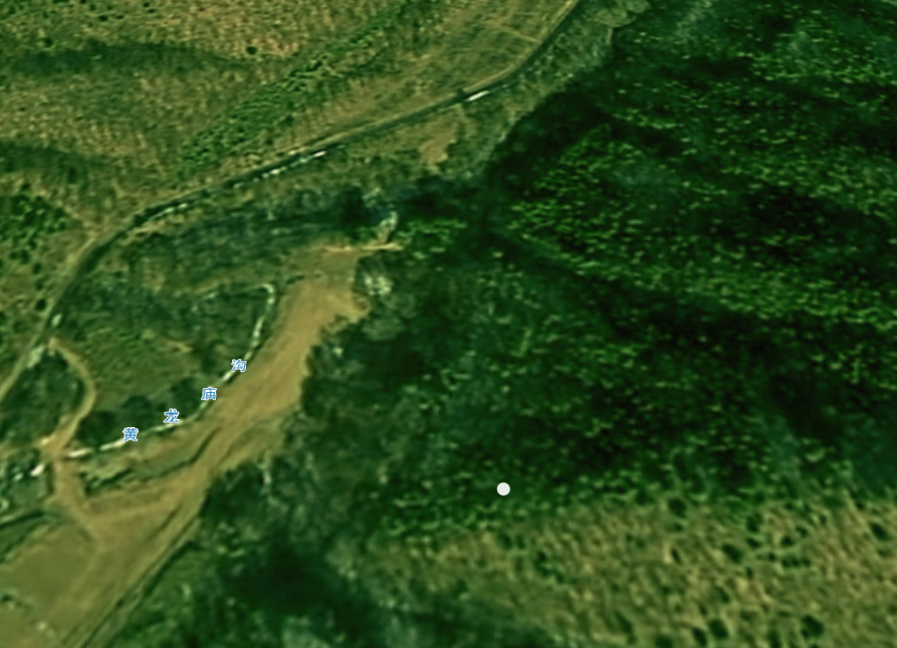
# 相机定位-定位到点
    /**
     * 相机定位方法,定位到点
     * @param lon 经度
     * @param lat 纬度
     * @param alt 范围(相机距离中心点的位置为5000)
     */
    function cameraFlyToLonLat(lon, lat, alt) {
        viewer.camera.flyTo({
            destination: Cesium.Cartesian3.fromDegrees(lon, lat, alt),
            orientation: {
                heading: Cesium.Math.toRadians(0.0),
                pitch: Cesium.Math.toRadians(-25.0),
                roll: 0.0
            }
        });
    }
1
2
3
4
5
6
7
8
9
10
11
12
13
14
15
16
2
3
4
5
6
7
8
9
10
11
12
13
14
15
16
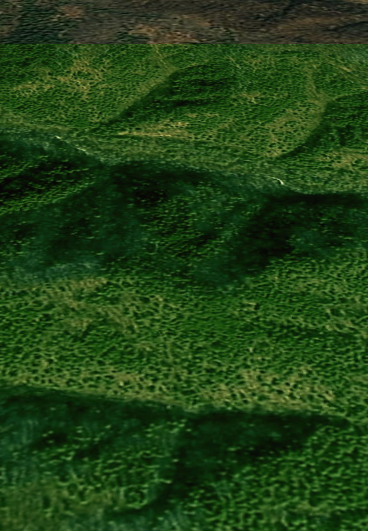
# 视图定位-定位到范围
    /**
     * 视图定位方法,定位到范围
     * @param rect 范围数组(最西、最南、最东、最北)
     */
    function viewerFlyToRange(rect) {
        if (locationRectEntity)
            viewer.entities.remove(locationRectEntity);
        locationRectEntity = viewer.entities.add({
            name: 'locationRectangle',
            id: 'locationRectangle',
            rectangle: {
                coordinates: Cesium.Rectangle.fromDegrees(rect[0], rect[1], rect[2], rect[3]),
                material: Cesium.Color.GREEN.withAlpha(1.0),
                height: 10.0,
                outline: false
            }
        });
        let flyPromise = viewer.flyTo(locationRectEntity, {
            duration: 5,
            offset: new Cesium.HeadingPitchRange(0.0, Cesium.Math.toRadians(-20.0))
        });
    }
1
2
3
4
5
6
7
8
9
10
11
12
13
14
15
16
17
18
19
20
21
22
2
3
4
5
6
7
8
9
10
11
12
13
14
15
16
17
18
19
20
21
22
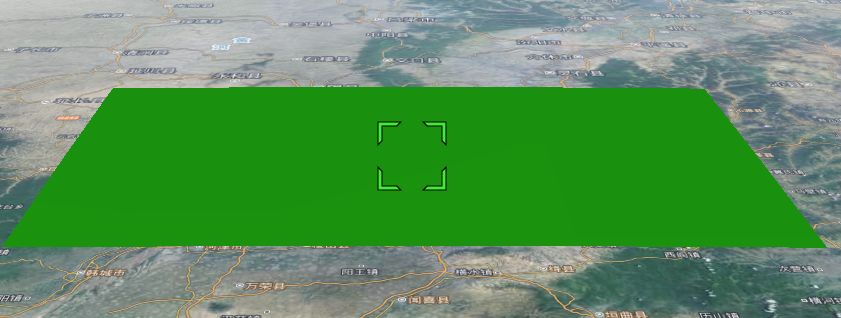
# 相机定位-定位到范围
    /**
     * 相机定位方法,定位到范围
     * @param rect 范围数组(最西、最南、最东、最北)
     */
    function cameraFlyToRange(rect) {
        viewer.camera.flyTo({
            destination: Cesium.Rectangle.fromDegrees(rect[0], rect[1], rect[2], rect[3]),
            duration: 5,
            orientation: {
                heading: Cesium.Math.toRadians(0.0),
                pitch: Cesium.Math.toRadians(-25.0),
                roll: 0.0
            }
        });
    }
1
2
3
4
5
6
7
8
9
10
11
12
13
14
15
16
2
3
4
5
6
7
8
9
10
11
12
13
14
15
16
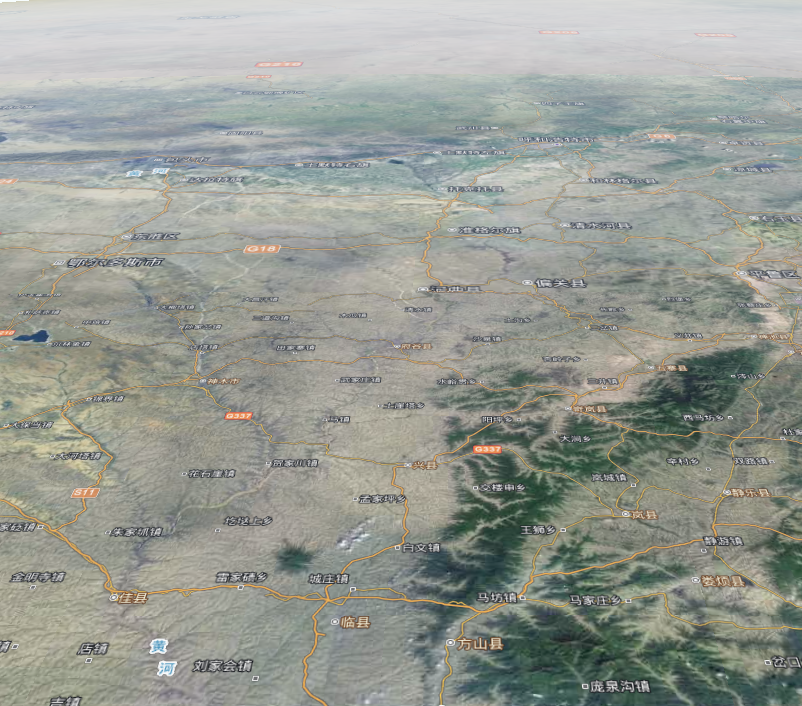
# 视图定位-定位到范围-计算中心
    /**
     * 视图定位方法,定位到范围,并重新计算距离
     * @param rect
     */
    function viewerFlyToRangeAndCenter(rect) {
        if (locationRectEntity)
            viewer.entities.remove(locationRectEntity);
        locationRectEntity = viewer.entities.add({
            name: 'locationRectangle',
            id: 'locationRectangle',
            rectangle: {
                coordinates: Cesium.Rectangle.fromDegrees(rect[0], rect[1], rect[2], rect[3]),
                material: Cesium.Color.GREEN.withAlpha(1.0),
                height: 10.0,
                outline: false
            }
        });
        let flyPromise = viewer.flyTo(locationRectEntity, {
            duration: 5,
            offset: new Cesium.HeadingPitchRange(0.0, Cesium.Math.toRadians(-20.0))
        });

        //倾斜后记录相机到矩形中心点的距离,然后再根据倾斜角度,计算新的距离,
        // 再viewer.flyto的完成后,再通过中心点离相机的距离,使用zoomTo来拉近一下距离
        flyPromise.then(function () {
            let center = Cesium.Rectangle.center(Cesium.Rectangle.fromDegrees(rect[0], rect[1], rect[2], rect[3]));
            let car = Cesium.Cartesian3.fromRadians(center.longitude, center.latitude);
            let range = Cesium.Cartesian3.distance(car, viewer.camera.position) * Math.cos(20);
            viewer.zoomTo(locationRectEntity, new Cesium.HeadingPitchRange(0.0, Cesium.Math.toRadians(-20.0), range));
        });
    }
1
2
3
4
5
6
7
8
9
10
11
12
13
14
15
16
17
18
19
20
21
22
23
24
25
26
27
28
29
30
31
2
3
4
5
6
7
8
9
10
11
12
13
14
15
16
17
18
19
20
21
22
23
24
25
26
27
28
29
30
31