
# cesium-模型处理(FBX2GLTF)
# 介绍
cesium是支持导入3D模型的数据的,但是只支持gltf格式的数据。
这里我举个例子:在3dsmax中导出FBX模型
3dsmax导出fbx模型 (opens new window)
注意:导出的时候要注意模型的贴图、材质、动画等别丢失了!
有了FBX模型后就可以使用FBX2GLTF转换为GLTF
# 使用教程
# 安装
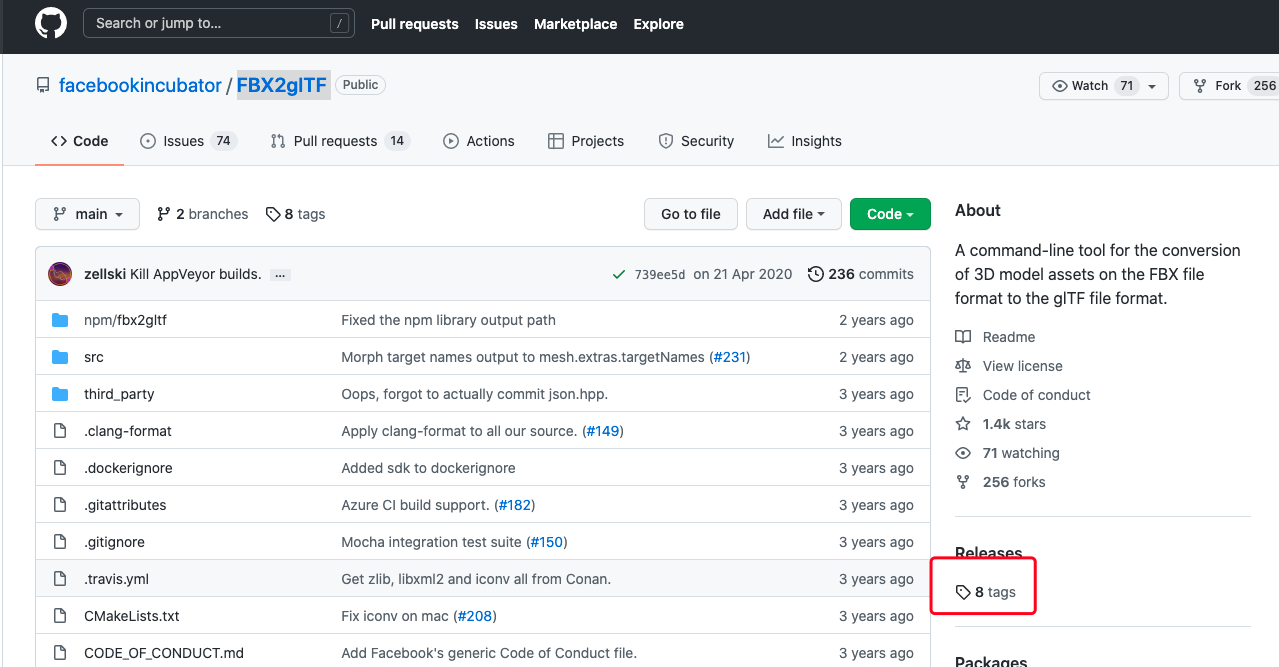
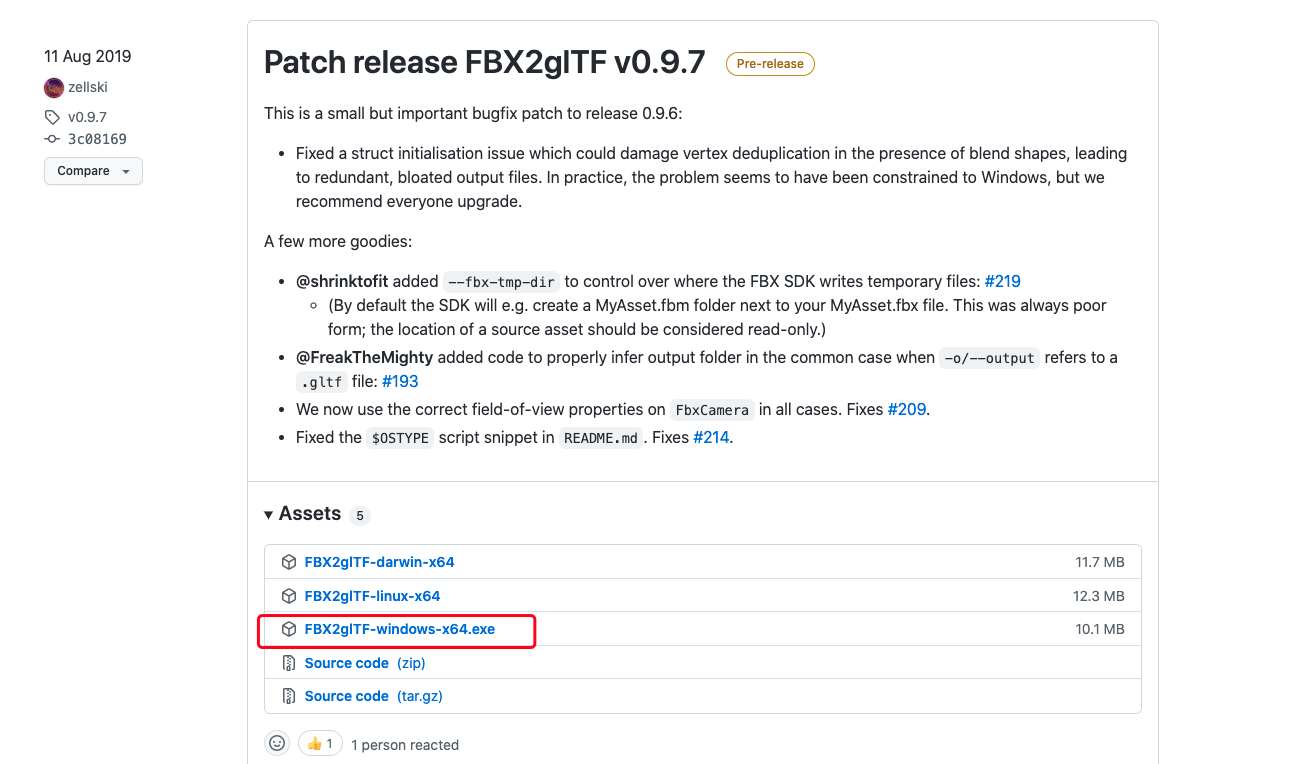
根据具体的电脑系统来选择版本下载,这里我选择windows版本的
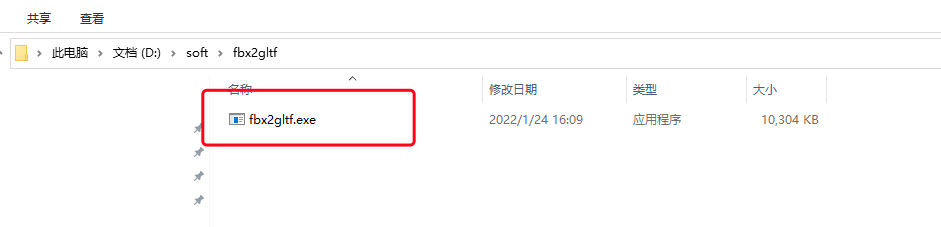
将exe文件放置到对应位置并修改名称:fbx2gltf
# 使用
进入当前文件夹的cmd命令行
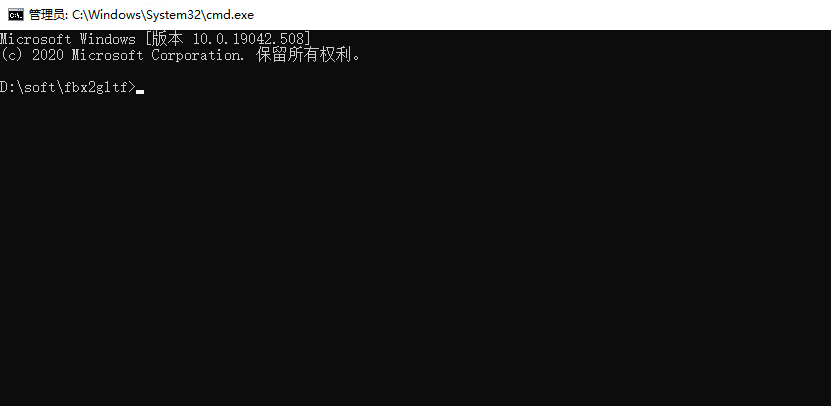
使用命令
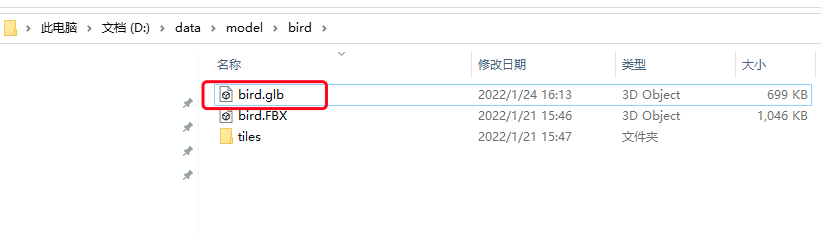
fbx2gltf -i D:\data\model\bird\bird.FBX -o D:\data\model\bird\bird.glb -b
1
- -i FBX文件输入位置
- -o glb文件导出位置
- -b 将 Draco 网格压缩应用于几何体
# 详细命令介绍
FBX2glTF 0.9.7: Generate a glTF 2.0 representation of an FBX model.
Usage: FBX2glTF [OPTIONS] [FBX Model]

Positionals:
  FBX Model FILE              The FBX model to convert.

Options:
  -h,--help                   Print this help message and exit
  -v,--verbose                Include blend shape tangents, if reported present by the FBX SDK.
  -V,--version
  -i,--input FILE             The FBX model to convert.
  -o,--output TEXT            Where to generate the output, without suffix.
  -e,--embed                  Inline buffers as data:// URIs within generated non-binary glTF.
  -b,--binary                 Output a single binary format .glb file.
  --long-indices (never|auto|always)
                              Whether to use 32-bit indices.
  --compute-normals (never|broken|missing|always)
                              When to compute vertex normals from mesh geometry.
  --anim-framerate (bake24|bake30|bake60)
                              Select baked animation framerate.
  --flip-u                    Flip all U texture coordinates.
  --no-flip-u                 Don't flip U texture coordinates.
  --flip-v                    Flip all V texture coordinates.
  --no-flip-v                 Don't flip V texture coordinates.
  --no-khr-lights-punctual    Don't use KHR_lights_punctual extension to export FBX lights.
  --user-properties           Transcribe FBX User Properties into glTF node and material 'extras'.
  --blend-shape-normals       Include blend shape normals, if reported present by the FBX SDK.
  --blend-shape-tangents      Include blend shape tangents, if reported present by the FBX SDK.
  -k,--keep-attribute (position|normal|tangent|binormial|color|uv0|uv1|auto) ...
                              Used repeatedly to build a limiting set of vertex attributes to keep.
  --fbx-temp-dir DIR          Temporary directory to be used by FBX SDK.


Materials:
  --pbr-metallic-roughness    Try to glean glTF 2.0 native PBR attributes from the FBX.
  --khr-materials-unlit       Use KHR_materials_unlit extension to request an unlit shader.


Draco:
  -d,--draco                  Apply Draco mesh compression to geometries.
  --draco-compression-level INT in [0 - 10]=7
                              The compression level to tune Draco to.
  --draco-bits-for-position INT in [1 - 32]=14
                              How many bits to quantize position to.
  --draco-bits-for-uv INT in [1 - 32]=10
                              How many bits to quantize UV coordinates to.
  --draco-bits-for-normals INT in [1 - 32]=10
                              How many bits to quantize nornals to.
  --draco-bits-for-colors INT in [1 - 32]=8
                              How many bits to quantize colors to.
  --draco-bits-for-other INT in [1 - 32]=8
                              How many bits to quantize all other vertex attributes to.
1
2
3
4
5
6
7
8
9
10
11
12
13
14
15
16
17
18
19
20
21
22
23
24
25
26
27
28
29
30
31
32
33
34
35
36
37
38
39
40
41
42
43
44
45
46
47
48
49
50
51
52
2
3
4
5
6
7
8
9
10
11
12
13
14
15
16
17
18
19
20
21
22
23
24
25
26
27
28
29
30
31
32
33
34
35
36
37
38
39
40
41
42
43
44
45
46
47
48
49
50
51
52
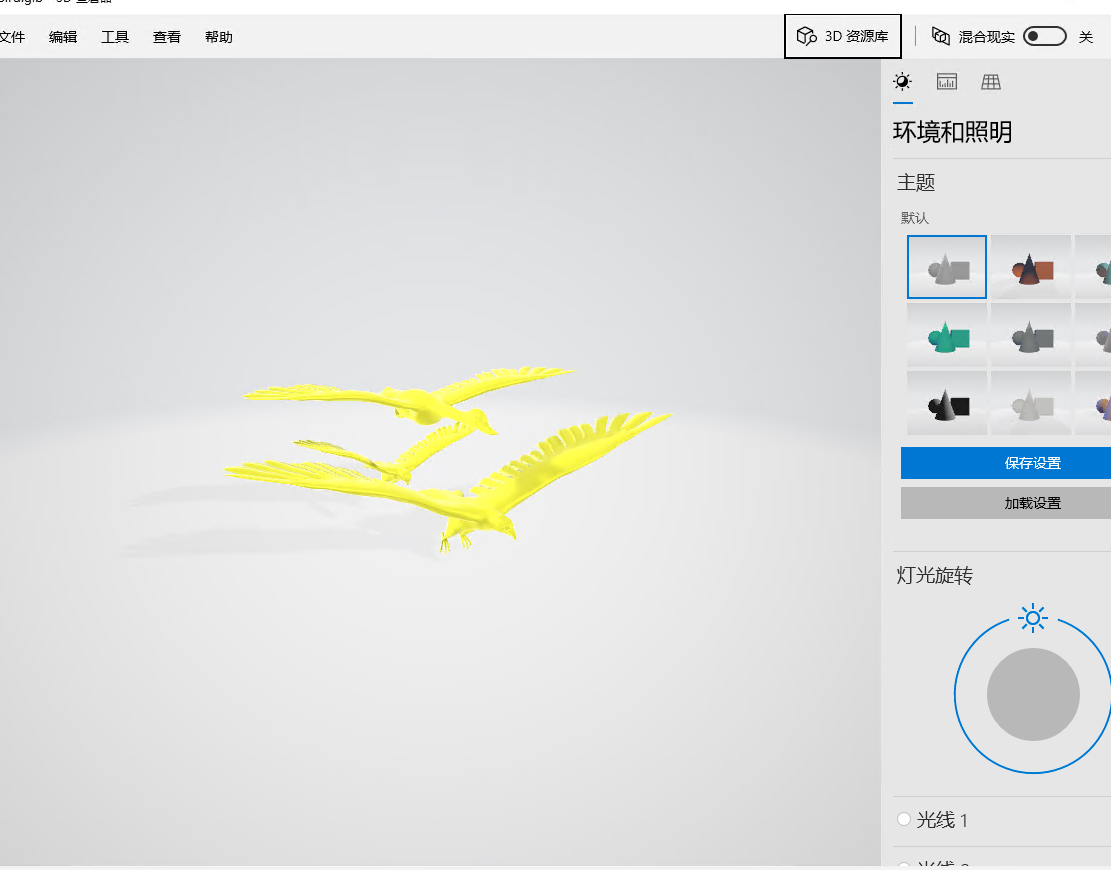
# 结果
← CZML鸟模型飞行轨迹 Web页面优化总结 →