# nginx发布矢量切片mvt/pbf
mvt(pbf)矢量切片数据使用Tippecanoe进行切片,安装教程可以参考我之前的博客内容
然后用nginx进行发布(静态文件发布)
# 数据处理
这里需要先将shapefile文件转换成GeoJson再处理
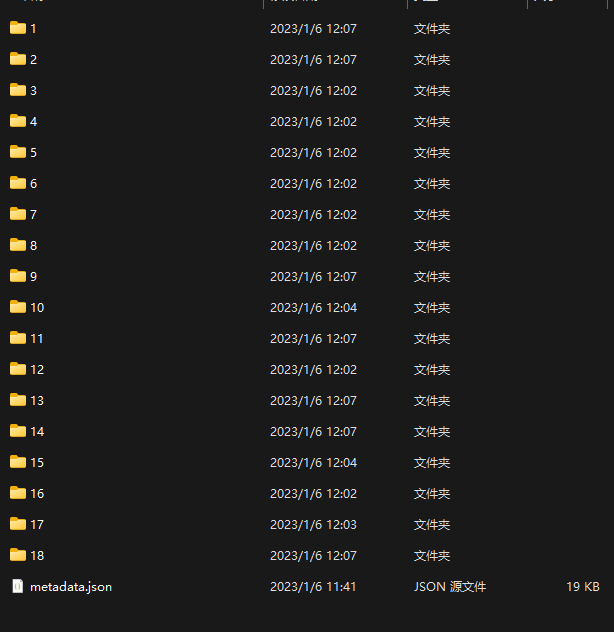
# 我这里设置每个切片中图斑数量不超过1000,切片到18级别
tippecanoe  -Bf1000 -z18 -e /data/data/skpt/pbf/1000_1 --drop-densest-as-needed --extend-zooms-if-still-dropping /data/data/skpt/shp/respl1.geojson
1
2
2
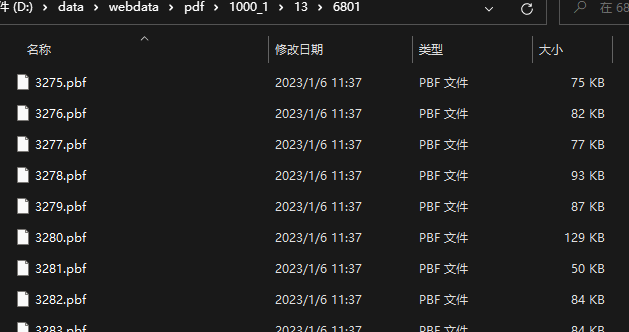
处理完成后如下,处理完成后将文件放到nginx指定目录:
# nginx配置
前端加载响应体如下:
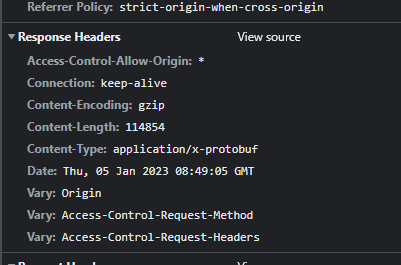
切片完成后的数据为pbf格式,并且使用Tippecanoe切片默认会进行gzip压缩,我们配置nginx 的时候需要设置一下
# nginx.conf
server {
        listen       8088;
        server_name web_resources;
        root   D:/data/webdata;
        autoindex on;
        location / {
            add_header 'Access-Control-Allow-Origin' '*';
			add_header 'Access-Control-Allow-Credentials' 'true';
			add_header 'Access-Control-Allow-Methods' '*';
			add_header 'Content-Encoding' 'gzip'; # 指明数据进行了gzip压缩
			add_header Cache-Control no-store;
			if ($request_method = 'OPTIONS') {
			add_header 'Access-Control-Max-Age' 1728000;
			add_header 'Content-Type' 'text/plain; charset=utf-8';
			add_header 'Content-Length' 0;
			return 204;
			}
	      default_type application/x-protobuf; #设置pbf返回格式
        }
    }
1
2
3
4
5
6
7
8
9
10
11
12
13
14
15
16
17
18
19
20
2
3
4
5
6
7
8
9
10
11
12
13
14
15
16
17
18
19
20
# mapbox加载mvt代码
      map.on('load', () => {
        map.addSource('mapillary', {
          'type': 'vector',
          // 'scheme':'tms',
          'tiles': [
            'http://localhost:8088/pdf/1000_1/{z}/{x}/{y}.pbf'
          ],
          'minzoom': 1,
          'maxzoom': 18
        });
        map.addLayer(
            {
              'id': 'mapillary', // Layer ID
              type: 'fill-extrusion',
              'source': 'mapillary', // ID of the tile source created above
              'source-layer': 'respl1',
              'paint': {
                'fill-extrusion-color': 'white',
                 'fill-extrusion-height': ['get','height'],
                'fill-extrusion-base': 0,
                'fill-extrusion-opacity': 1
              }
            },
        );
      });
1
2
3
4
5
6
7
8
9
10
11
12
13
14
15
16
17
18
19
20
21
22
23
24
25
2
3
4
5
6
7
8
9
10
11
12
13
14
15
16
17
18
19
20
21
22
23
24
25
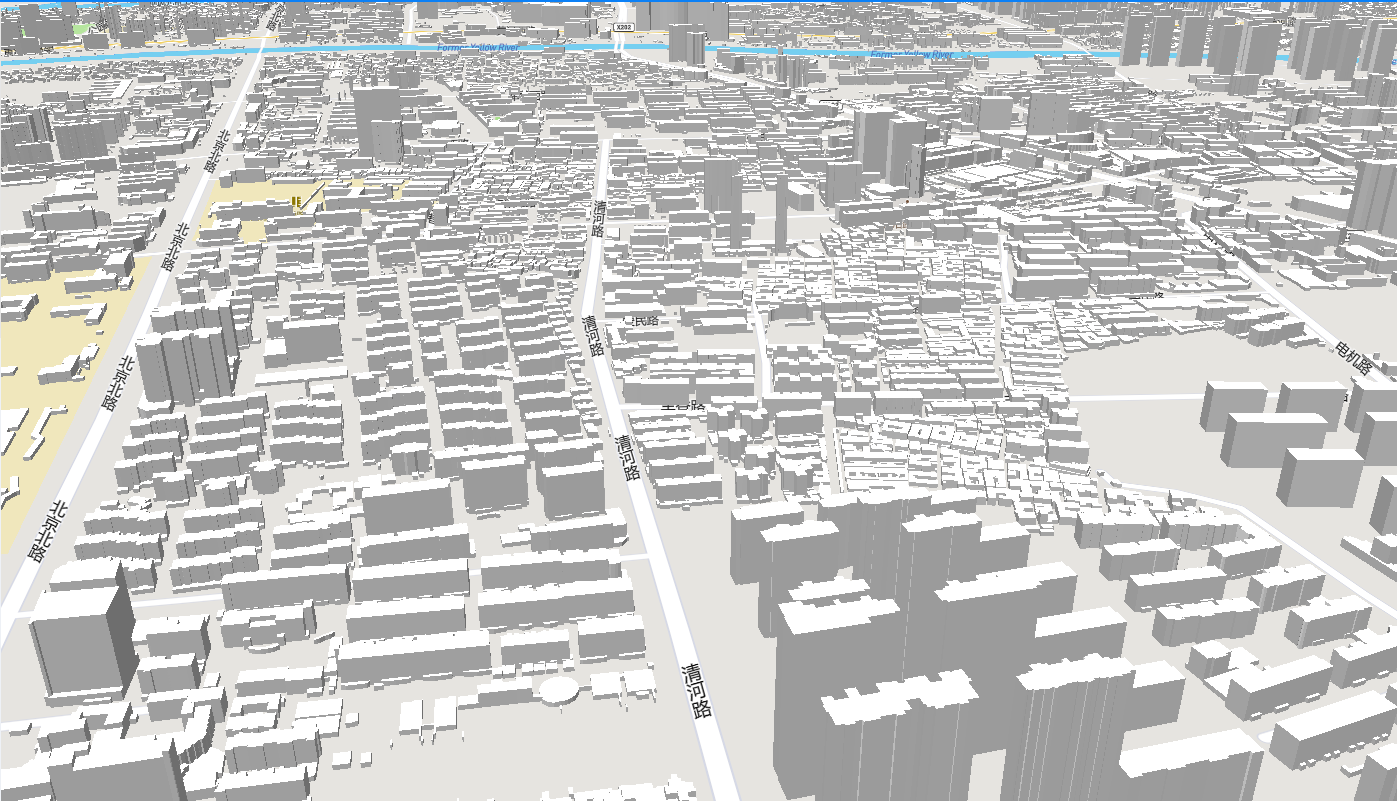
# 最后效果