
# GeoServer修改切片缓存目录和data目录
在官网下载geoserver-war.zip包后,解压有geoserver.war,其中根目录有data文件夹,拷贝出来放到指定部署的共享目录下,然后再修改安装包的WEB-INF/web.xml文件
# 修改geowebcache的缓存目录
<context-param>
    <param-name>GEOWEBCACHE_CACHE_DIR</param-name>
    <param-value>D:\{共享目录}\gwc</param-value>
</context-param>
1
2
3
4
2
3
4
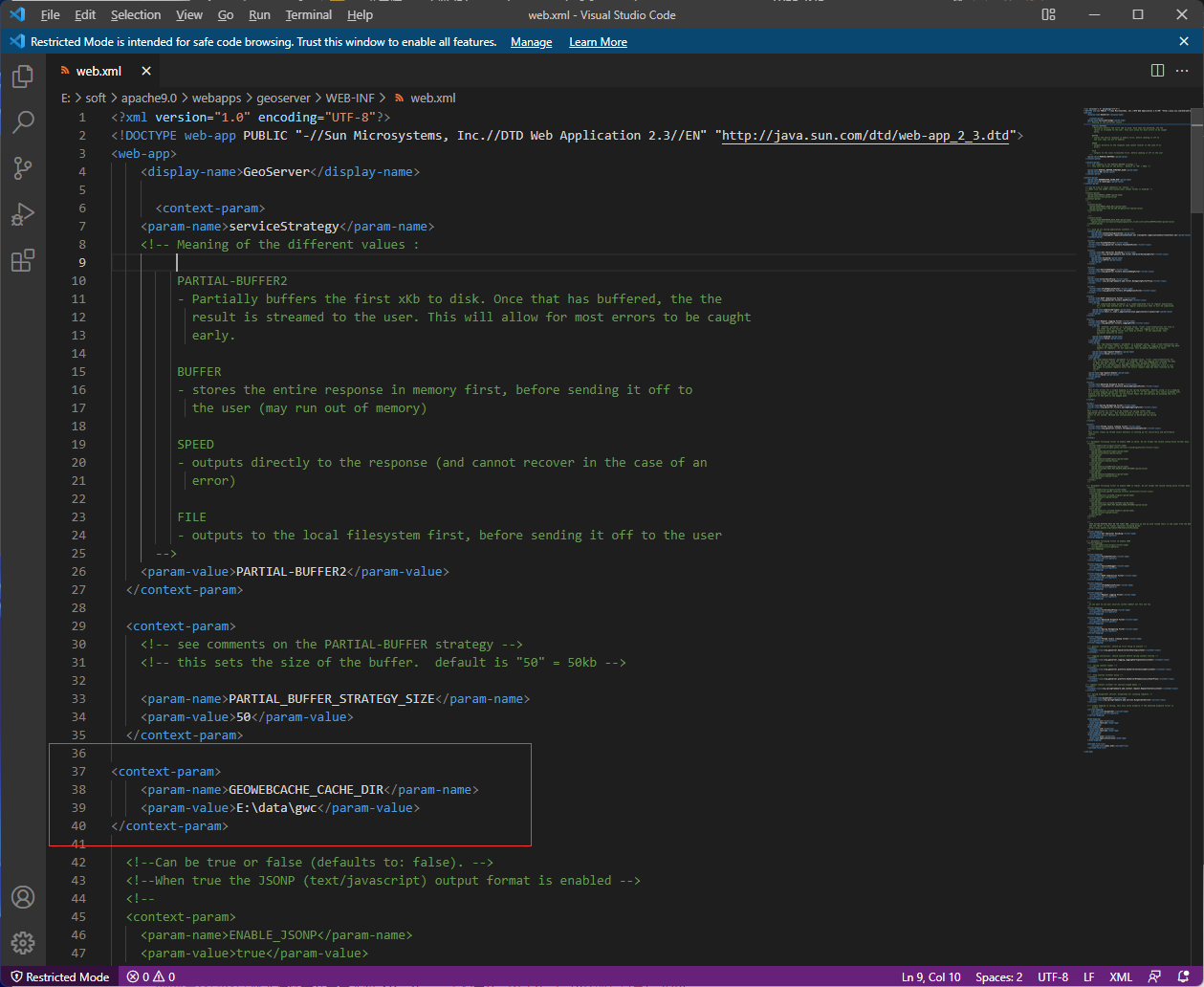
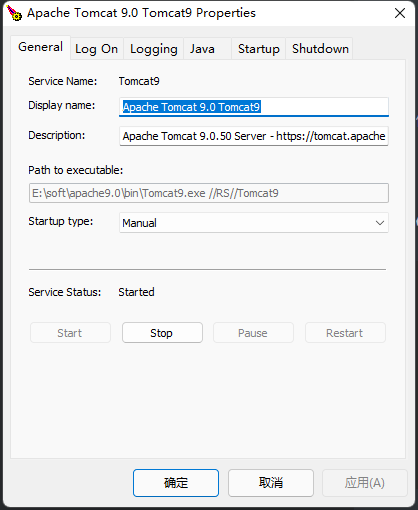
修改完成后需要重启tomcat
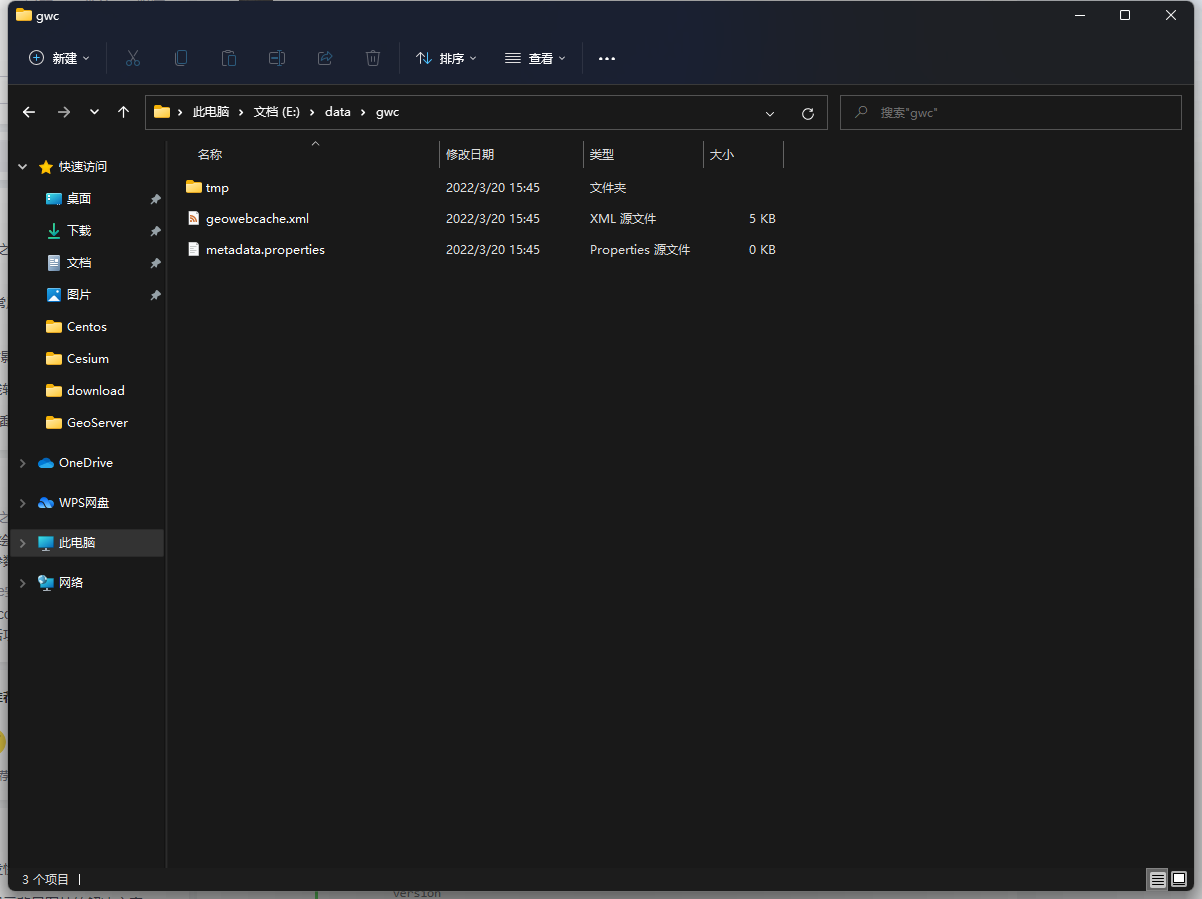
重启后文件夹下会生成如下文件
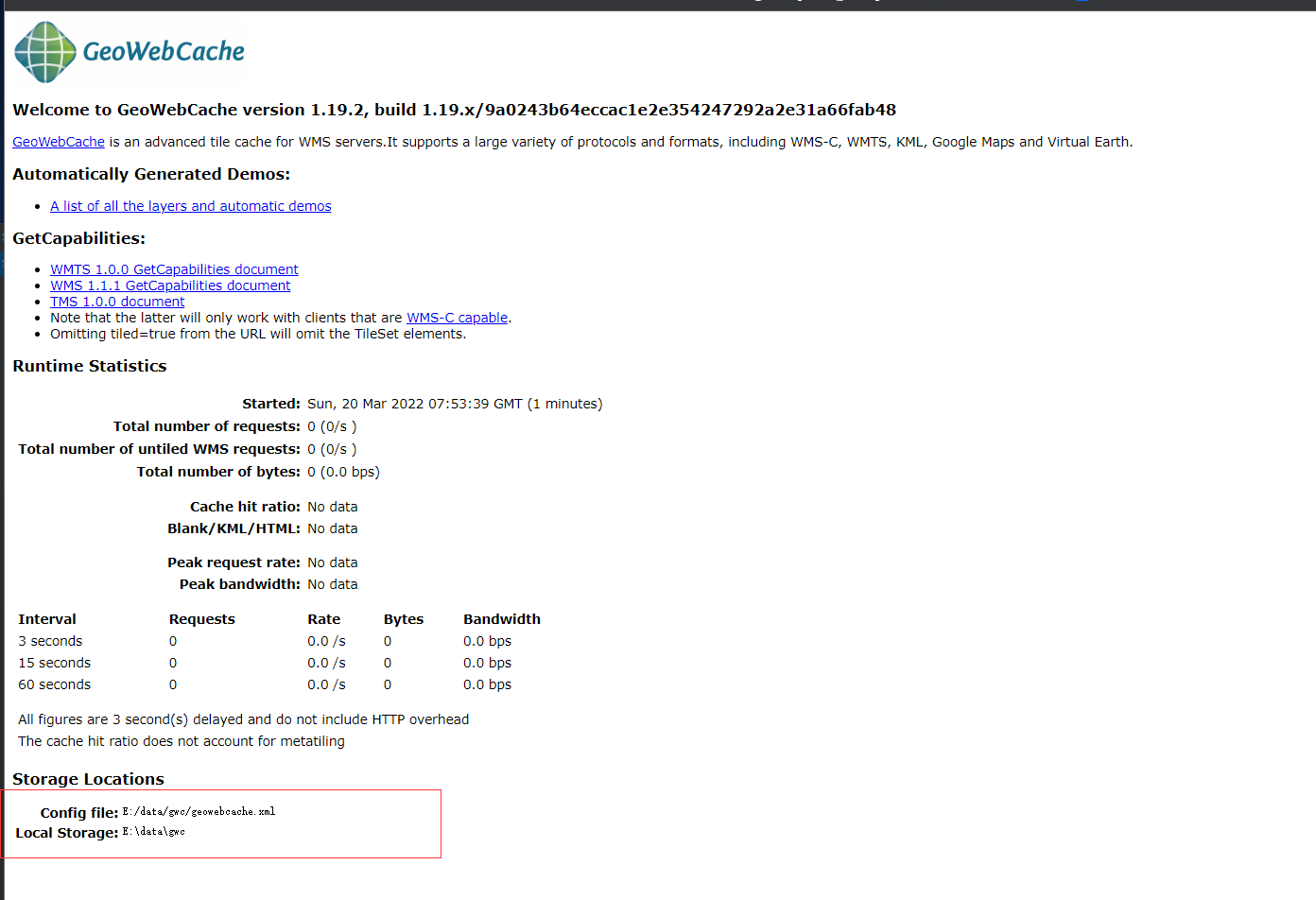
现在的geoserver版本已经将geowebcache集成了
访问地址:http://localhost:8080/geoserver/gwc
# 修改data目录
<context-param>
    <param-name>GEOSERVER_DATA_DIR</param-name>
    <param-value>/{共享目录}/data</param-value>
</context-param>

<context-param>
    <param-name>GEOSERVER_REQUIRE_FILE</param-name>
    <param-value>/{共享目录}/data/global.xml</param-value>
</context-param>
1
2
3
4
5
6
7
8
9
2
3
4
5
6
7
8
9
# 修改日志目录
多节点还会遇到默认日志重复读写导致无法正常记录的问题,可另外增加GEOSERVER_LOG_LOCATION配置来指定不同目录存放
<context-param>
    <param-name>GEOSERVER_LOG_LOCATION</param-name>
    <param-value>/{共享目录}/data/logs/mylog1</param-value>
</context-param>
1
2
3
4
2
3
4